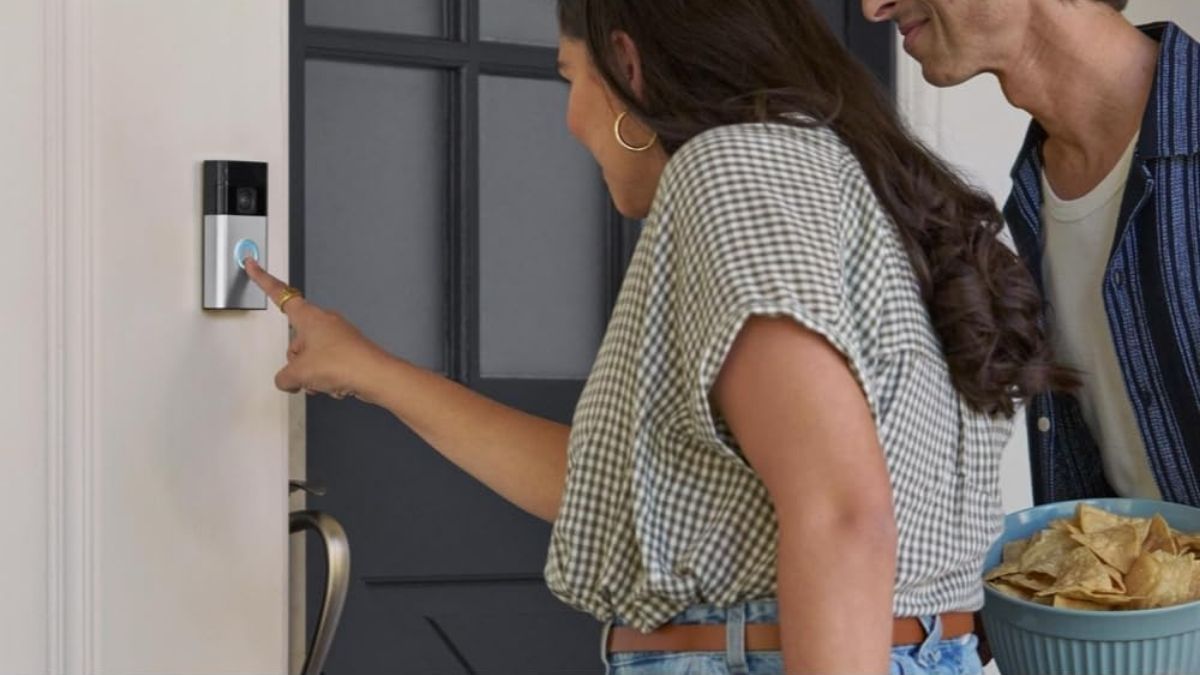
Standing in the kitchen with your hands full while the doorbell rings used to be inconvenient at best and stressful at worst.
With a Ring Video Doorbell connected to Alexa, that moment becomes effortless. You simply speak, and your home responds. This voice-first experience is one of the main reasons many homeowners now prioritize smart security devices over traditional systems.
When you use Alexa with Ring, you gain more than novelty. You gain faster awareness, easier communication, and better control over how your home reacts to visitors and motion. Understanding what these voice commands can and cannot do helps you get the most value from your setup while avoiding common frustrations.
Setting Up Ring and Alexa for Reliable Voice Control
To get started, you’ll need to enable the Ring skill in the Alexa app and sign in to your Ring account. Once connected, Alexa automatically discovers your Ring devices. This process is usually quick, but performance later depends heavily on how well you prepare during setup.
Naming your devices clearly makes a noticeable difference. Location-based names like “Front Door” or “Back Entrance” improve voice recognition and reduce command errors. Consistency is especially important if you plan to expand your system later.
Occasional setup issues do happen. Most are related to Wi-Fi strength, outdated apps, or pending firmware updates. Ensuring strong internet coverage near your doorbell is just as important as the device itself. Echo Show displays offer the best experience because they support live video, while audio-only Echo devices focus on announcements and two-way communication.
Viewing Your Ring Doorbell with Alexa
If you own an Echo Show, voice viewing quickly becomes one of your most-used features. Instead of unlocking your phone, you can instantly see who’s outside by asking Alexa to display your doorbell camera. This is especially helpful when you’re busy or your phone isn’t nearby.
Switching between multiple Ring cameras is smooth as long as each device has a distinct name. Pro-level Ring models typically load faster and deliver sharper video, but standard models still provide reliable monitoring for everyday needs. Audio-only Echo devices can’t display video, which some users find limiting, but they remain effective for alerts and communication.
Communicating with Visitors Using Your Voice
Alexa turns your Ring doorbell into a whole-home intercom. When someone rings the bell, you can answer from nearly any room without moving. This is particularly useful in larger homes or when you’re outside or upstairs.
Your Echo devices are designed to pick up normal speech, so there’s no need to raise your voice. That said, it’s important to stay mindful of privacy. Visitors can hear anything you say once communication begins, which is convenient but not always ideal for every situation. Some users appreciate this transparency, while others prefer brief responses or automated routines instead.
Customizing Announcements and Motion Alerts
This is where the Ring–Alexa combination starts to feel truly personalized. Rather than relying on phone notifications, Alexa can announce doorbell presses and motion detection out loud.
In the middle of your setup, this is where selective customization matters most:
- You can choose which Echo devices announce doorbell activity
- Motion alerts can be enabled for specific cameras only
- Announcements can be silenced during sleeping or working hours
- Custom Alexa Routines can replace default messages
These options help prevent alert fatigue while still keeping you informed. If announcements feel delayed, the issue is usually network-related rather than a device limitation.
Ring Alarm Integration and Security Considerations
If you use Ring Alarm, Alexa can also provide status updates and mode changes. You can ask whether your system is armed or what mode it’s currently using. For safety reasons, disarming requires a voice PIN, which adds an extra layer of protection.
Some users see this PIN requirement as an inconvenience, while others view it as essential. Voice control adds convenience, but it should complement—not replace—traditional control methods. Power outages, Wi-Fi issues, or voice recognition errors can temporarily limit functionality.
Building Smarter Homes with Alexa Routines
Ring events work well as triggers for Alexa Routines, allowing your home to respond automatically. A doorbell press can pause music, display video, and turn on lights without a single spoken command. Motion detection can trigger different actions depending on the time of day.
These routines highlight both the strengths and limitations of voice control. While setup requires experimentation, the result is a system that reacts intelligently rather than forcing you to manage every action manually.
Final Thoughts on Voice-Controlled Doorbell Security
Using Alexa with a Ring Video Doorbell isn’t just about convenience—it’s about creating a more responsive, accessible home. Voice commands reduce friction, improve awareness, and help your security system blend naturally into daily life.
If you’re looking to expand or refine your setup, reviewing Amazon Ring Video Doorbell Alexa commands is a smart next step. While you’re exploring options, it’s also worth browsing Amazon Smart Home gift ideas to discover devices that complement your system and help you get even more value from your connected home.
Leave a Reply