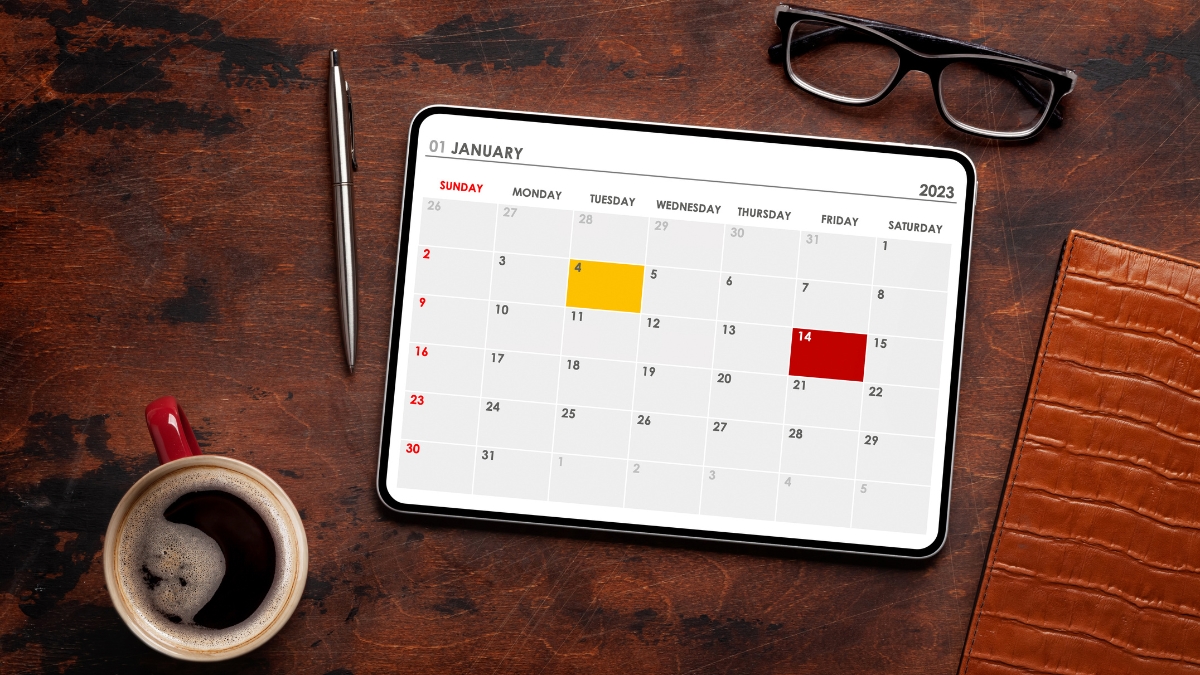
Say goodbye to messy paper calendars and group chats full of missed messages. The Dragon Touch Digital Calendar Display brings everything you need to stay organized into one smart screen. From work deadlines to soccer practice and taco night, it keeps the entire household on track without the usual chaos.
With so much happening each day, having a digital wall calendar makes a big difference. And this device does more than just show dates. It syncs your life in real time.
You’ll find out how this setup can reduce stress, cut down on constant reminders, and maybe even spark fewer arguments about forgotten chores. It’s one of those gadgets you didn’t know you needed—until you do.
Here’s everything you need to know.
What You Should Know About the Dragon Touch Digital Calendar Display
This digital calendar is more than a pretty screen on your wall. It works as a daily dashboard for your entire family. Think of it as your go-to spot for checking what’s going on. You can use it as a digital wall calendar or even place it on a countertop using the built-in stand.
The device comes in four sizes—10.1″, 15.6″, 21.5″, and 32″. The 10.1″ version fits nicely in a kitchen or small office. The 32″ model makes a big impact and is great in large common areas where visibility is key. Every model runs full HD at 1920 x 1080 pixels, and the touchscreen is smooth and responsive.
You won’t find cluttered screens or complicated layouts here. This display was built just for scheduling and family coordination. It doesn’t try to do everything. Instead, it focuses on keeping life organized. It connects to Wi-Fi, works with major calendar apps, and syncs updates in real time.
All-in-One Digital Family Calendar that Keeps Things Running Smoothly
The Dragon Touch digital calendar for the wall does more than show dates. It combines everyone’s schedule in one place. Each family member gets a color code. You can glance at it and instantly know who has what and when.
This helps avoid double-booking and those awkward moments when no one remembers ballet class or team photos. You’ll also find that it adds a little structure to otherwise hectic days.
Built-In Chore and Meal Planners That Actually Work
Tired of asking the same thing every day? The built-in chore chart lets you assign tasks and set deadlines. Kids can mark them off right on the screen. It’s interactive and keeps everyone accountable without the constant follow-up.
Meal planning is just as simple. You can post the weekly dinner plan, and it shows up where everyone can see it. This reduces the endless “what’s for dinner?” questions and makes shopping easier. Families trying to manage allergies or picky eaters really benefit from this feature.
Not Just a Calendar—It Shows Photos Too
When you’re not using it for schedules, the display switches to a photo frame. It shows off your favorite moments instead of turning into a blank screen. That makes it feel more personal and not just like another tech gadget stuck to the wall.
More Than Just Dates: Lists, Alerts, and App Control
Need to track groceries, gifts, or to-do items? You can make shared lists and update them in real time. The mobile app lets you change anything even when you’re not at home. This is helpful if you remember a task while you’re out and want to assign it before you forget.
Syncing works with Google Calendar, Apple Calendar, Outlook, Yahoo, and Cozi. You won’t need to retype things twice. Everything stays updated.
Design, Specs, and Setup
Each unit comes with a stand and mounting gear. You can hang it or place it on a table. It connects via 2.4GHz Wi-Fi and has a strong signal even if your router isn’t close.
The look is simple—white frame, edge-to-edge glass, and a modern style. It doesn’t clash with your space. No battery needed—it runs on a power adapter and is designed to stay on.
Setup is simple. Plug it in, connect to Wi-Fi, and sync your calendar. Done in about 15 minutes. No IT background required.
Daily Use: Where It Shines the Most
Most families place it where everyone passes by. Kitchens are a top pick. Mornings are smoother when the schedule is right in front of you while you grab coffee or pack lunches.
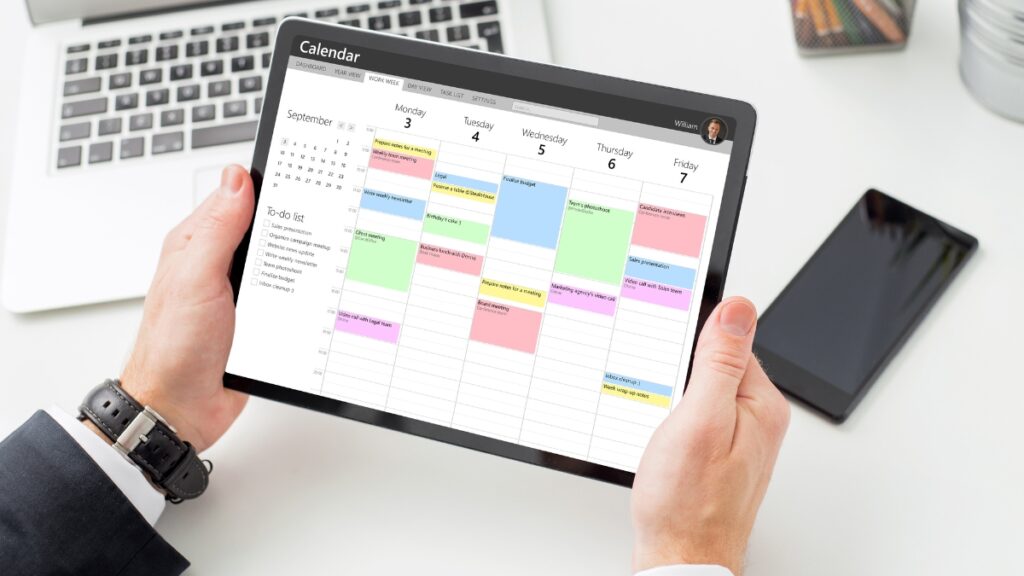
The calendar can switch views—daily, weekly, or monthly. That flexibility makes it helpful for both long-term plans and quick day checks. Alerts can be visual, sound-based, or both. You get to choose how to get reminders.
Price Breakdown (2025)
Here’s what the Dragon Touch models cost:
- 10.1″ model: around $155.20
- 15.6″ model: $249.99 (discounted from $299.99)
- 21.5″ model: $349.99 (previously $399.99)
- 32″ model: ranges from $449.99 to $499.99
These are not just basic displays—they’re purpose-built tools. While tablets might be cheaper, they don’t match the ease of use and features focused on family life.
What Real Users Say
Most reviews sit between 4.2 and 4.4 stars. People love how clean it looks and how easy it is to use. Syncing across apps is a favorite feature. Families also say the photo display makes it feel like more than just a calendar.
Parents appreciate fewer missed appointments and more accountability for chores. Some users wish it could connect to more apps, but that’s about the only common critique. Overall, people report smoother mornings and better coordination after using it.
How to Make a Digital Calendar Display
If you’re building your own digital calendar display, here’s what you need:
- A tablet or monitor
- A calendar app like Google Calendar or Cozi
- A frame or mount
- Wi-Fi connection
Use a full-screen browser in kiosk mode to show your calendar without distractions. Place it in a visible area. Tablets work for basic setups, but they may lack the advanced features of a product like Dragon Touch.
What We Really Think After Testing It
The Dragon Touch Digital Calendar Display takes the chaos out of busy schedules. From syncing calendars to managing chores and meals, it keeps everything in one place. It also adds a personal touch with its photo frame mode.
This is a tool that helps make your day run smoother. If you’re tired of missed events and constant reminders, this could be the answer. Plus, it looks good doing it.
Check current deals and pick your size. You can find it now on Amazon.
Leave a Reply