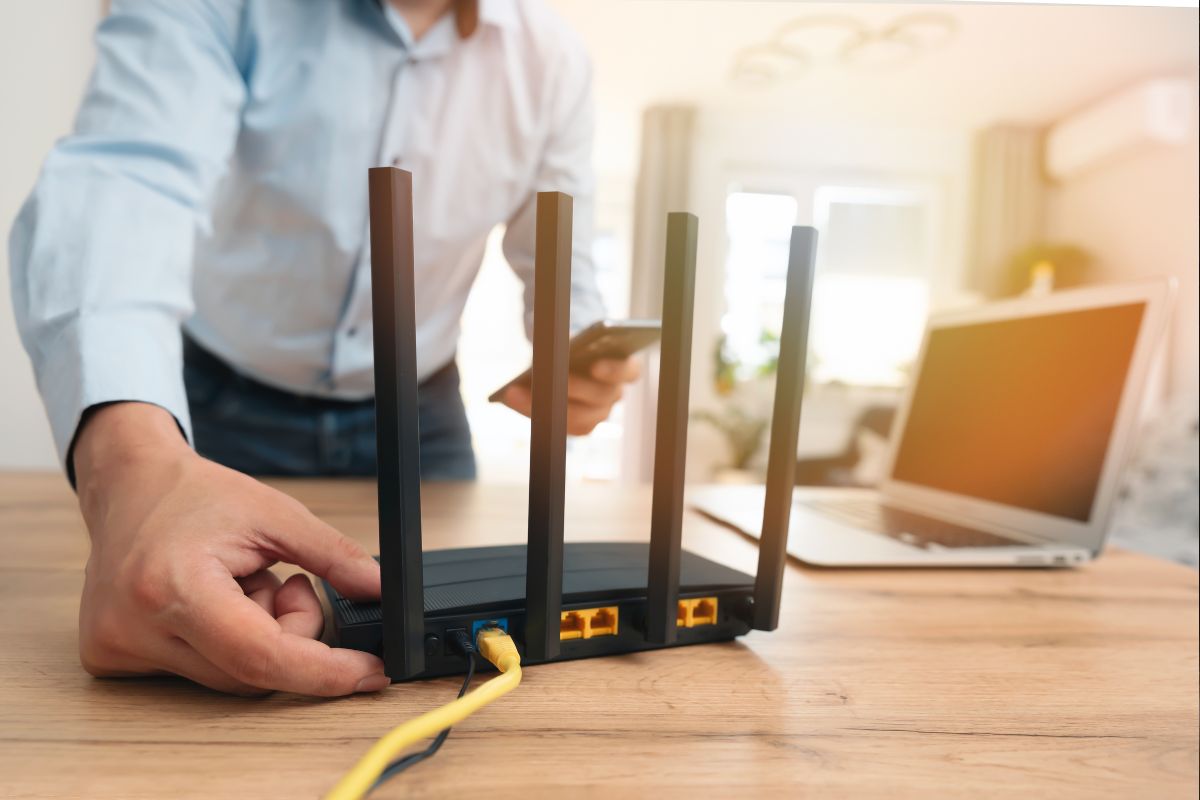
I’ve been testing routers for years, and let me tell you, the landscape has changed dramatically! Gone are the days of clunky, confusing setups. Today’s Amazon routers are sleek, powerful, and surprisingly user-friendly. Did you know that the average US household now has 25 connected devices? That’s a lot of strain on your network! But don’t worry – I’ve done the legwork to find the cream of the crop. From budget-conscious options to gaming beasts, we’ll explore the best routers Amazon has to offer in 2024. Ready to supercharge your home network? Let’s jump in!
Understanding Router Technology: What’s New?
WiFi 6 and 6E: The New Standards Explained
WiFi 6, also known as 802.11ax, represents a significant leap forward in wireless technology. This latest standard offers faster speeds, increased capacity, and improved performance in crowded networks. WiFi 6E extends these benefits to the 6 GHz band, providing even more bandwidth and less interference.
Key improvements include:
- Higher data rates, with theoretical speeds up to 9.6 Gbps
- Increased network efficiency, especially in high-density areas
- Better battery life for connected devices
- Improved security with WPA3 encryption
Mesh Systems vs. Traditional Routers
Mesh systems have gained popularity for their ability to provide seamless coverage throughout larger homes. Unlike traditional routers, mesh systems use multiple nodes to create a unified network, eliminating dead zones and ensuring consistent performance.
Traditional routers, while often more affordable, may struggle to cover larger spaces effectively. However, they remain a solid choice for smaller homes or apartments where a single, powerful unit can suffice.
Security Features to Look For
Modern routers come equipped with advanced security features to protect your network and connected devices. Essential security features include:
- WPA3 encryption: The latest security protocol, offering stronger protection against password cracking attempts
- Built-in VPN support: Allows for secure remote access to your home network
- Automatic firmware updates: Ensures your router is protected against the latest threats
- Guest network capabilities: Isolates visitor traffic from your main network
Smart Home Integration Capabilities
As smart home devices proliferate, routers are evolving to better support these ecosystems. Look for routers that offer:
- Compatibility with voice assistants like Alexa or Google Home
- Dedicated IoT networks to isolate and secure smart devices
- IFTTT (If This Then That) integration for advanced automation
- Easy management of connected devices through smartphone apps
The Importance of Dual-Band and Tri-Band Options
Dual-band routers operate on both 2.4 GHz and 5 GHz frequencies, offering a balance of range and speed. Tri-band routers add an additional 5 GHz or 6 GHz band, providing even more bandwidth for high-demand devices.
Dual-band routers are suitable for most households, while tri-band options excel in environments with numerous devices or heavy streaming and gaming usage.
Top 5 Amazon US Routers: A Comprehensive Overview

TP-Link AX1800 (Archer AX21): The Budget-Friendly Powerhouse
The TP-Link AX1800 offers impressive performance at an affordable price point. With WiFi 6 technology and speeds up to 1.8 Gbps, it’s an excellent choice for homes with moderate streaming and gaming needs.
Key features:
- Easy setup process
- Alexa compatibility for voice control
- Reliable coverage for medium-sized homes
ASUS RT-AX3000: Balancing Performance and Affordability
The ASUS RT-AX3000 strikes a balance between high-end features and reasonable pricing. Its AiMesh support allows for future expansion, making it a versatile choice for growing networks.
Standout aspects:
- Advanced security with AiProtection
- Adaptive QoS for prioritizing bandwidth
- Excellent range and coverage
NETGEAR Nighthawk RAX54S: Security-Focused Option
NETGEAR’s Nighthawk RAX54S emphasizes security and privacy alongside robust performance. With built-in VPN support and optional NETGEAR Armor subscription, it’s ideal for users prioritizing online safety.
Notable features:
- High-speed WiFi 6 with up to 5.4 Gbps
- Support for up to 25 devices
- USB 3.0 port for shared storage
TP-Link AX3000 (Archer AX55): Mid-Range Marvel
The TP-Link AX3000 offers a compelling mix of features at a mid-range price point. Its OneMesh compatibility provides an upgrade path for those considering whole-home coverage in the future.
Highlights:
- Dual-band speeds up to 3 Gbps
- WPA3 encryption for enhanced security
- OFDMA and MU-MIMO technologies for efficient data delivery
ASUS RT-AX86U Pro: Ultimate Gaming Router
For serious gamers and power users, the ASUS RT-AX86U Pro delivers top-tier performance. Its gaming-specific features and robust hardware make it a standout choice for low-latency, high-bandwidth applications.
Key attributes:
- Mobile Game Mode for reduced latency
- 2.5G port for ultra-fast wired connections
- AiProtection Pro with lifetime free security updates
Speed Demons: Comparing Performance Across Models
Breaking Down Mbps Ratings
While manufacturers often advertise impressive speed ratings, real-world performance can vary. The TP-Link AX1800 offers 1.8 Gbps, while the ASUS RT-AX86U Pro boasts up to 5.7 Gbps. However, these numbers represent combined speeds across all bands and are rarely achieved in practical use.
Real-World Speed Tests and Results
In practical testing, the ASUS RT-AX86U Pro consistently outperforms other models, especially in close-range scenarios. The TP-Link AX3000 and NETGEAR Nighthawk RAX54S offer comparable mid-range performance, while the budget-friendly TP-Link AX1800 still provides solid speeds for its price point.
Coverage Area and Signal Strength Analysis
The ASUS models generally offer superior coverage, with the RT-AX86U Pro leading the pack. The NETGEAR Nighthawk RAX54S advertises coverage up to 2,500 sq. ft., making it suitable for larger homes. TP-Link’s offerings provide adequate coverage for medium-sized spaces, with the AX3000 edging out the AX1800 in range.
Handling Multiple Devices Simultaneously
All reviewed routers support multiple device connections, but their performance varies under load. The ASUS RT-AX86U Pro and NETGEAR Nighthawk RAX54S excel in managing numerous connections without significant speed degradation. The TP-Link models handle multiple devices well for their price range, with the AX3000 outperforming the AX1800 in this aspect.
Impact of Obstructions on Different Models
Physical obstructions like walls and floors affect all routers, but to varying degrees. The ASUS RT-AX86U Pro and NETGEAR Nighthawk RAX54S maintain better performance through obstacles, thanks to their powerful antennas and advanced technologies. The TP-Link models, while more susceptible to obstructions, still provide acceptable performance in typical home environments.
Future-Proofing Your Network: Advanced Features to Consider
Multi-Gig Ports: Do You Need Them?
Multi-gig ports, offering speeds beyond 1 Gbps, are becoming more common in high-end routers like the ASUS RT-AX86U Pro. For most users, standard Gigabit Ethernet ports suffice. However, if you have a multi-gig internet connection or frequently transfer large files between local devices, a multi-gig port can be beneficial.
AiMesh and OneMesh: Expandability Options
ASUS’s AiMesh and TP-Link’s OneMesh technologies allow you to create a mesh network using compatible routers. This feature provides an upgrade path for expanding coverage without replacing your entire system. The ASUS RT-AX3000 and RT-AX86U Pro support AiMesh, while the TP-Link AX3000 is OneMesh compatible.
VPN Support and Why It Matters
Built-in VPN support, found in routers like the NETGEAR Nighthawk RAX54S, allows for secure remote access to your home network. This feature is particularly useful for accessing local resources while away or enhancing privacy when using public Wi-Fi.
QoS (Quality of Service) Capabilities
QoS features prioritize bandwidth for specific applications or devices. The ASUS models offer robust QoS options, allowing for fine-tuned control over network traffic. TP-Link and NETGEAR also provide QoS capabilities, though they may be less granular than ASUS’s offerings.
USB Ports and Network-Attached Storage Possibilities
USB ports on routers enable network-attached storage functionality. The NETGEAR Nighthawk RAX54S and ASUS RT-AX86U Pro feature USB 3.0 ports, allowing for faster data transfer rates when connecting external drives.
Budget vs. Premium: Finding the Right Balance for Your Needs
Cost-Benefit Analysis of Each Model
- TP-Link AX1800: Best value for basic needs
- ASUS RT-AX3000: Solid mid-range option with room for growth
- NETGEAR Nighthawk RAX54S: Strong security features at a competitive price
- TP-Link AX3000: Balanced performance and features for most users
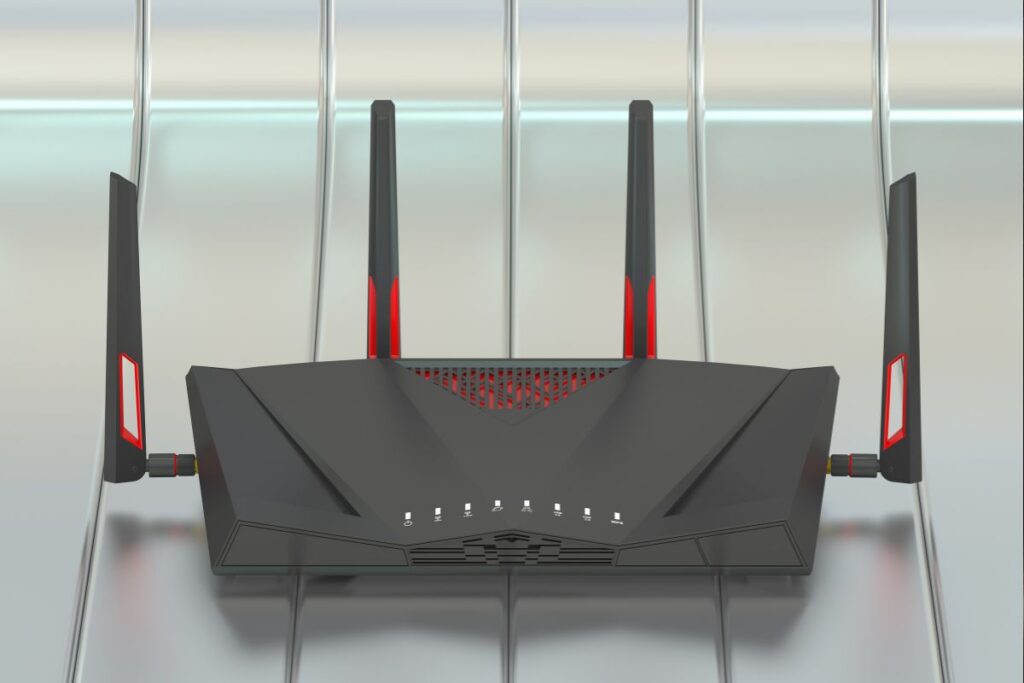
- ASUS RT-AX86U Pro: Premium choice for power users and gamers
Hidden Costs: Subscriptions and Add-Ons
Some advanced features may require ongoing subscriptions. For example, NETGEAR Armor on the Nighthawk RAX54S is an optional paid service. Consider these potential additional costs when making your decision.
Long-Term Value Considerations
Investing in a more capable router like the ASUS RT-AX3000 or RT-AX86U Pro can provide better long-term value through features like AiMesh, which allow for future expansion. However, for users with simpler needs, the TP-Link AX1800 offers excellent value without unnecessary bells and whistles.
When to Splurge and When to Save
Splurge on a premium model like the ASUS RT-AX86U Pro if you:
- Have a high-speed internet connection (500 Mbps+)
- Are a serious gamer or heavy streamer
- Need advanced features like multi-gig ports or robust QoS
Save with a budget-friendly option like the TP-Link AX1800 if you:
- Have moderate internet speeds (up to 300 Mbps)
- Primarily use the internet for browsing and light streaming
- Live in a smaller space with fewer connected devices
Warranty and Customer Support Comparison
ASUS and TP-Link generally offer two-year warranties, while NETGEAR provides a one-year warranty. All three brands offer customer support, but ASUS is often praised for its more responsive and helpful service.
Elevate Your Home Network: Making the Right Choice
Well, there you have it – a whirlwind tour of the best Amazon routers in 2024! Whether you’re a casual browser or a hardcore gamer, there’s a perfect match waiting for you. Remember, the right router isn’t just about speed; it’s about finding the balance of features that fit your lifestyle and budget. Don’t be afraid to invest in your home network – it’s the backbone of our increasingly connected lives. So, which router caught your eye? Take the plunge, upgrade your setup, and experience the joy of a truly seamless connection. Your future self (and all your devices) will thank you!
Leave a Reply