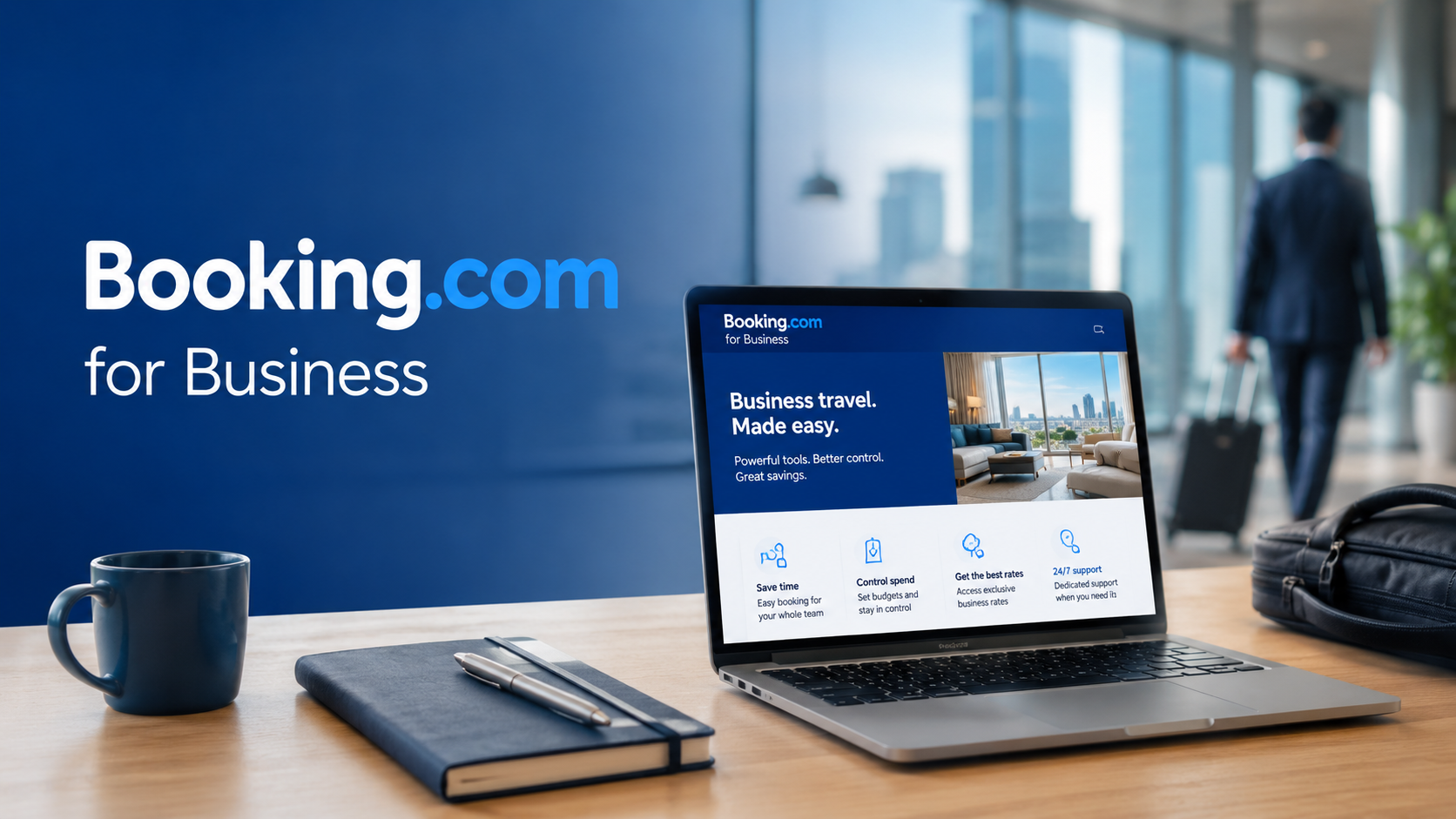
Business travel can feel like a full-time job when your team books flights, hotels, and rental cars across different platforms. One employee forgets a receipt, another books outside policy, and suddenly your travel budget looks messy.
Booking.com for Business gives you a simpler way to organize work trips without paying for expensive enterprise software.
Unlike many corporate travel platforms, Booking.com for Business offers free access to booking tools, travel management features, reporting dashboards, and employee controls. That low barrier makes it appealing for startups, remote teams, and growing companies.
You also get access to Booking.com’s massive travel inventory, which includes hotels, flights, and rental cars in thousands of destinations worldwide.
If your company wants easier trip management without long contracts or setup fees, this platform deserves a close look.
Booking.com for Business Features That Matter Most to Small Companies
One reason many companies switch to Booking.com for Business is simplicity. The platform combines several travel tools into one dashboard, so your employees spend less time jumping between websites.
Key features include:
- Hotel booking with over 3 million listed properties
- Flight booking through more than 380 airline partners
- Rental car reservations in 45,000+ locations
- Team management and employee permissions
- Travel policy controls
- Expense tracking and downloadable invoices
- Mobile app support for iOS and Android
- 24/7 multilingual customer support
The interface feels familiar if your employees already use the regular Booking.com platform. That reduces training time and helps teams adopt the system faster.
According to Statista, global business travel spending is expected to surpass $1.5 trillion in the coming years, showing how companies continue investing heavily in managed travel systems. Businesses now focus more on flexibility and cost visibility than complicated software layers.
Booking.com for Business Pricing and Real Travel Costs
One of the strongest advantages is the pricing structure. Booking.com for Business itself is free to use. There are no monthly subscription fees, onboarding charges, or setup costs listed on the official website.
That makes it very different from platforms like SAP Concur or Navan, which often require enterprise agreements or custom pricing plans.
Your actual travel expenses depend on destination, season, and availability. Typical U.S. pricing includes:
| Travel Type | Average Price Range |
| Budget hotels | $40–$120 per night |
| Mid-range business hotels | $120–$250 per night |
| Premium hotels | $250+ per night |
| Domestic flights | $80–$400 |
| International economy flights | $400–$1,500 |
| Economy rental cars | $30–$70 daily |
| SUVs and premium rentals | $80–$200 daily |
You can also unlock Genius loyalty rewards through repeated bookings.
| Genius Level | Main Benefits |
| Level 1 | 10% hotel discounts |
| Level 2 | 10–15% discounts and free breakfast |
| Level 3 | Room upgrades and priority support |
A small company with frequent travel may save hundreds or even thousands of dollars yearly through discounts and flexible booking options.
Why Small Businesses Use Corporate Travel Management Software
Many growing companies eventually hit the same problem: unmanaged travel creates confusion. Employees book outside policy, finance teams chase receipts, and managers lose visibility over spending.
Corporate travel management software helps centralize those moving parts.
Booking.com for Business works well for:
- Startups with lean operations
- Small businesses without travel managers
- Remote teams traveling occasionally
- International teams needing centralized oversight
- Companies focused on lowering travel admin time
The platform does not try to overload users with advanced enterprise workflows. Instead, it focuses on practical booking and reporting tools that most smaller businesses actually use daily.
That balance matters because overly complex systems often create adoption problems.
Booking.com Business Travel Tools for Hotels, Flights, and Cars
The platform’s travel inventory is one of its biggest strengths.
Hotel Booking
You can search hotels, apartments, villas, resorts, hostels, and extended-stay accommodations worldwide. Search filters include:
- Free cancellation
- Breakfast included
- Wi-Fi availability
- Parking access
- Workspace-friendly rooms
- Guest ratings
- Distance from city centers
Flexible cancellation policies are especially helpful for business travel because schedules change frequently.
Flight Booking
Booking.com for Business supports:
- One-way flights
- Round-trip flights
- Multi-city itineraries
- Flexible fare comparisons
- Baggage filters
- Layover controls
Travel alerts also help your employees stay updated during delays or disruptions.
Rental Cars
The rental car section covers economy vehicles, SUVs, vans, and luxury models across global pickup locations.
Many rentals include:
- Free cancellation
- Insurance add-ons
- Airport pickup support
- Unlimited mileage options
That flexibility works well for companies with regional or international travel schedules.
How Booking.com for Business Handles Team Management
One feature many small businesses overlook is centralized employee management.
You can add unlimited employees to the platform and assign different permissions based on responsibilities. Traveler profiles store key information like passport details and booking preferences.
Managers can also set travel policies such as:
- Nightly hotel budget limits
- Preferred hotel chains
- Flight class restrictions
- Approval thresholds
If someone books outside company policy, administrators receive alerts.
This level of visibility helps reduce overspending without forcing employees through complicated approval systems.
Expense Tracking and Reporting Features
Expense reporting often becomes the biggest headache in business travel.
Booking.com for Business includes tools that simplify expense organization:
| Reporting Feature | Purpose |
| Downloadable invoices | Easier reimbursement processing |
| VAT receipt support | Helpful for international travel |
| Spending reports | Team and employee visibility |
| Monthly comparisons | Budget tracking |
| Centralized payment records | Faster accounting reviews |
Finance teams can monitor average trip costs, travel frequency, and destination trends through the dashboard.
That reporting capability gives smaller businesses more control without purchasing separate travel expense software.
Booking.com for Business App Experience During Real Travel
The mobile app performs well during active travel situations.
Employees can:
- Access itineraries offline
- Receive instant booking confirmations
- View real-time travel alerts
- Contact support directly inside the app
- Manage reservations on the go
That convenience matters during flight changes, delayed connections, or last-minute hotel adjustments.
Several small business users on Reddit and travel forums mention that the mobile interface feels faster and easier than traditional enterprise travel platforms. However, some users report slower support response times during peak travel periods.
That mixed feedback is important to consider before relying on the platform for high-volume corporate travel.
Booking.com for Business Security and Privacy Features
Travel platforms process sensitive company information, so security matters.
Booking.com for Business uses:
- SSL-encrypted transactions
- PCI-compliant payment processing
- Account verification systems
- Two-factor authentication support
Those protections align with common industry standards for travel booking platforms.
Still, companies should create internal security guidelines for employees. Some phishing incidents reported online involved fake payment requests sent outside the official platform.
Good practices include:
- Using company payment cards
- Avoiding third-party payment links
- Confirming payment requests directly in the platform
- Enabling two-factor authentication for all accounts
These simple steps lower the risk of fraud during business travel bookings.
Booking.com for Business Integrations and Compatibility
The platform supports integrations with several expense and travel tools, including:
- Expensify
- Traxo
- Bizly
- International SOS
These integrations help automate expense tracking and improve travel visibility.
Still, companies using advanced ERP systems or highly customized finance workflows may notice limitations compared to enterprise-focused competitors.
That tradeoff becomes more noticeable for larger corporations with strict compliance reporting requirements.
Booking.com for Business vs Competitors
Here’s how the platform compares with several popular business travel tools.
| Platform | Pricing | Best For | Main Strength |
| Booking.com for Business | Free | SMBs | Massive travel inventory |
| Navan | Custom pricing | Mid-size and enterprise teams | Automation tools |
| SAP Concur | Enterprise pricing | Large corporations | Deep expense integrations |
| TravelPerk | Subscription pricing | SMBs and mid-market companies | Flexible travel changes |
| Egencia | Enterprise pricing | Large organizations | Travel compliance controls |
Booking.com for Business works best for companies that value simplicity, lower costs, and broad inventory access.
Businesses needing highly advanced approvals or accounting automations may prefer enterprise alternatives.
Common Limitations You Should Know Before Signing Up
No platform works perfectly for every company.
Here are the main drawbacks users mention most often:
Customer Support Delays
Support quality can vary during high-demand travel seasons. Some users report slower response times for urgent booking changes.
Billing and Refund Issues
International travelers occasionally experience delayed VAT invoices or slower refunds.
Fewer Enterprise-Level Features
Large companies may outgrow the platform if they need:
- Deep ERP integrations
- Advanced compliance workflows
- Complex approval chains
- Highly customized reporting systems
These limitations matter less for startups and smaller businesses with lighter operational structures.
Is Booking.com for Business Worth Using?
For many small and medium-sized businesses, the answer is yes.
The platform solves several common travel problems without charging subscription fees. You get centralized booking tools, employee management, reporting features, and a massive travel inventory in one place.
At the same time, larger organizations with strict finance workflows may need stronger automation and deeper accounting integrations.
If your company wants a simpler way to manage business trips while keeping costs under control, Booking.com for Business offers a practical starting point.
Conclusion
In the end, Booking.com for Business gives small and medium-sized companies a practical way to organize travel without adding extra software costs.
The platform brings hotel bookings, flights, rental cars, reporting tools, and employee management into one easy-to-use system. That setup helps your team spend less time managing trips and more time focusing on work.
The free pricing structure makes it especially appealing for startups and growing businesses trying to control expenses. You also get access to a huge global travel inventory, flexible booking options, and useful reporting features that simplify travel oversight.
Of course, larger organizations with advanced finance systems or strict approval workflows may need deeper automation and more complex integrations. Still, many companies find the balance of simplicity, flexibility, and cost savings more than enough for day-to-day business travel.
If your team wants a smoother way to handle company trips, Booking.com for Business is worth exploring. Take time to compare its features with your current travel process and see if it fits the way your business operates.
Leave a Reply